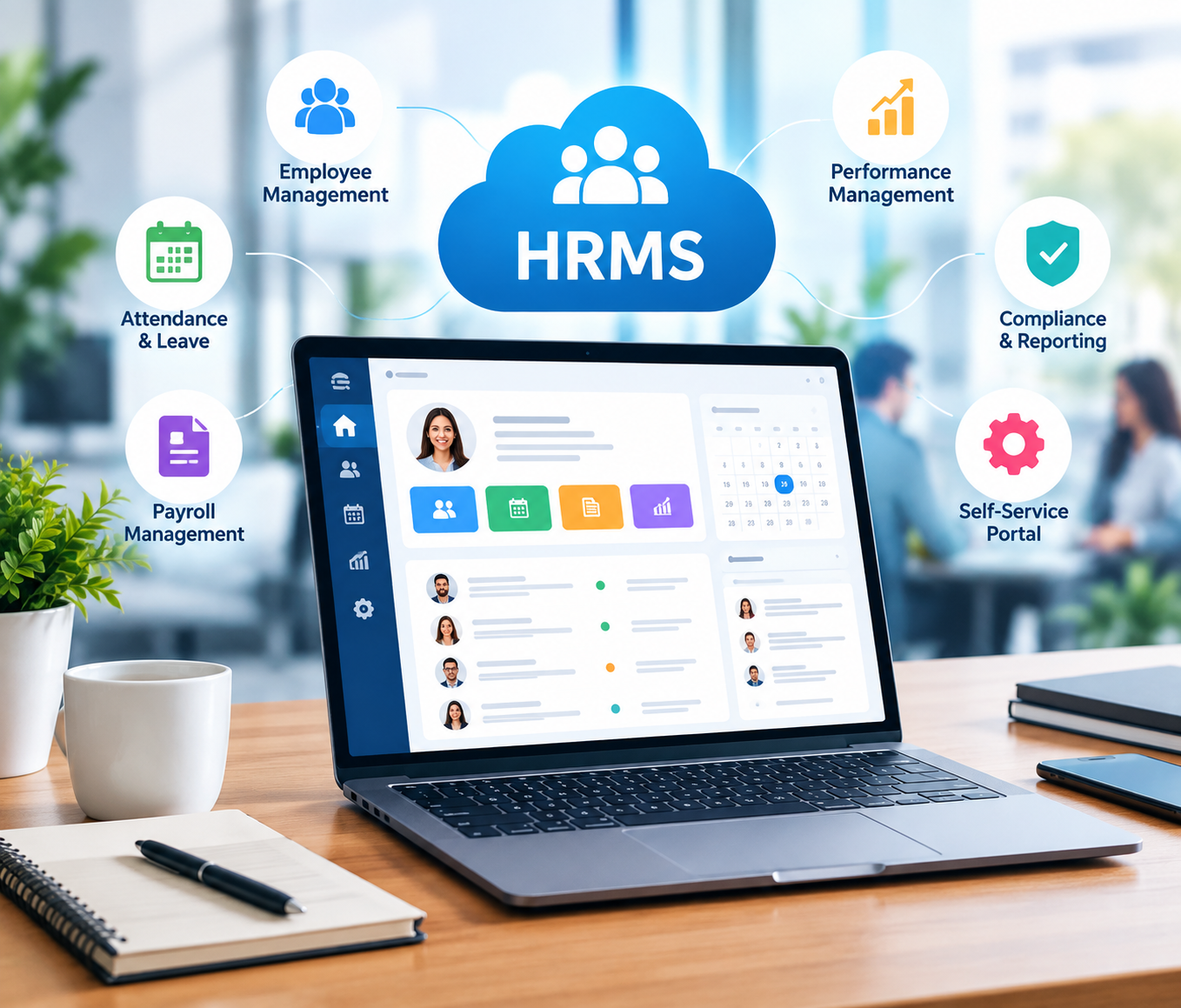
This Human Resource Management System is designed to streamline different human resource processes in the organization. It fulfills a variety of facilities and functions in an organization. For example, Amit Sharma, HR Manager, told us his experience of how in the past he used to experience problems with attendance to pay slips, tracking etc.
But with HRMS Globex, everything has become a seamless process, ranging from payroll to performance tracking, all HR-related tasks are now hassle-free. This example demonstrates that it’s made the process more efficient and more user-friendly.
What does HRMS Globex stand for?
HRMS Globex is a full-fledged Human Resource Management System (HRMS) that packs several HR functions into a single system. It is created for companies of all sizes and makes things easier for HR teams, boosts efficiency, and ensures a well-organized work area.
HRMS Globex provides a complete solution to effectively manage every aspect of HR, from recruitment and onboarding to payroll and performance management.
Key Features and Services of HRMS Globex
Here are the key features of HRMS Globex to get you started
Recruitment and Onboarding: Automates all job posts, tracks applicants, schedules interviews for a more efficient hiring process. The system also takes care of the onboarding process, making the transition for new employees smooth.
Payroll Management: This deals with the payroll-related issues, such as payroll salaries, bonuses, deductions, and tax treatment etc., processes ensure the compliance with global tax laws and regulations.
Performance Management: Also helps employees to be evaluated continuously by setting each employee’s performance criteria, holding regular reviews and giving feedback, thus bringing employee achievement into line with company goals.
Learning and Development: It encompasses a learning management system (LMS) to oversee and monitor learning courses and trainings, thereby fostering employee development and skill enhancement.
Employee Self-Service Portal: It also enables employees to manage personal details, benefits, and compliance documentation, fostering transparency and minimizing administrative queries in HR.
Analytics and Reporting: It produces insightful reports that contain valuable data analysis to help in decision making processes. These reports should contain KPIs, trends, and visualisations that highlight important results, enabling stakeholders to easily understand and interpret complex data and make informed decisions.
What is the HRMS Globex Portal login procedure?
This is the step by step procedure for accessing HRMS Globex portal.
- Step 1: Visit the official website of HRMS Globex.
- Step 2: The login page will open and you will be asked to enter the credentials.
- Step 3: Enter the username and password. Tap on continue button. You would be able to access features.
- Step 4: You will be able to see and avail options such as home, User Management, Employee Information Updation, Transactions, Modules/Generate Orders, Reports, and Other Tasks on the homepage.
How do I apply for leave?
- Step 1: First you need to visit the website in order to apply for leave.
- Step 2: On the login screen provide your credentials. Username and Password.
- Step 3: After logging in, you will be able to view the home page.
- Step 4: You will have the chance to see the header portion “Module/Generate Order” on the home page.
- Step 5: Click on it then you will see a menu list, click on leave Module.
- Step 6: Leave Module, you will be presented with two options, ‘leave apply’ and “New Leaave Request.”
- Step 7: You will find an option to select the type of leave or sick leave or vacation from the available options.
- Step 8: You can select the start and end dates for leave.
- Step 9: Make sure all the information is correct and press submit to send your leave request to be approved.
- Step 10: Once submitted, you will be able to follow your application.
Forgot Password? If you want to reset it, here’s how you do it.
- Step 1: Go to the HRMS Globex’s official website.
- Step 2: The logon screen will appear and you’ll need to provide the logon details.
- Step 3: Below this, you will find the option of Forgot Password.
- Step 4: Click on it, and you will be redirected to a new page.
- Step 5: On this page, you will be asked to enter the employee code and click on send mail.
- Step 6: You will receive an email containing the link to change your password.
What is the process to download Salary Slips from HRMS Globex?
To download your salary, slip from HRMS Globex, please follow these steps:
- Step 1: Visit the official HRMS Globex website.
- Step 2: Enter the user ID and password, then click on Login.
- Step 3: Once you have logged in, press the main menu.
- Step 4: In the “Payroll” or “Salary” section, click.
- Step 5: On the payroll section, find the salary slip.
- Step 6: Download the Salary Slip as a PDF to your device.
Common HRMS Globex Login Problems and Solutions
Excessive Start-up expenses: Generates informative reports with useful data analysis to help in smart decision-making. These reports should contain key performance indicators, trends and visualizations of the data which will point out critical findings and enable stakeholders to quickly grasp complex data and make informed strategic decisions, based on accurate and timely information.
The Learning Curve: Getting up to speed with the platform may be difficult for people who don’t have any experience using HR software or have limited experience using it. Therefore, a training programme may need to be conducted to ensure comfort and competency of all system users. It might consist of workshops, practical exercises, and a comprehensive suite of resources providing an overview of the main features and capabilities of the platform.
System Downtime: Human resources are becoming increasingly technology driven and downtime to the system can cause significant disruptions to essential HR functions. This can lead to delays in recruitment, payroll processing, employee onboarding and access to sensitive employee documents. These disruptions can impact on the efficiency of operations, but can also affect employee morale and organisational productivity.
Customization Challenges: Some systems or solutions may be unable to properly meet or accommodate special and unique human resource requirements. This can lead to gaps in functions where important attributes that are crucial to the organization’s context are lacking or poorly developed, leading to inefficiencies and unmet needs in HR processes.
With the storage of sensitive data in the cloud, there are a number of security risks that can be taken into account. If appropriate security protocols are not put in place and kept up, this information may be susceptible to unauthorized use, data breaches, and more. These risks can arise from various sources, including weak encryption techniques, inadequate user authentication methods, and potential vulnerabilities in the cloud infrastructure.
Resistance to Change: One of the challenges faced by organisations is resistance to change, especially from staff who have been used to working with manual processes. These people might be used to the way they do their jobs and think that new technology will take their jobs away, or that technology isn’t necessary or a bother.
Benefits of Using HRMS Globex
Listed below are the main advantages of HRMX Globex that you should follow:
Improved Efficiency: It streamlines repetitive tasks, freeing up time for HR managers to engage in strategic efforts.
Better Compliance: It helps you keep to labour laws, data privacy policies and company policies.
Data-Driven Decision Making: It also provides valuable data and analytics to aid HR decision-making and workforce planning.
User Experience: HRMS Globex offers an easy-to-use interface and a clean layout, making it appear brighter. The platform is mobile-responsive, allowing users to access it from their desktops, tablets, and smartphones.
Integration Capabilities: It has been developed to integrate with various third-party software solutions, such as accounting and project management, to get the business underway and boost productivity. Moreover it offers API access to custom integrations.
Security Measures: HRMS Globex ensures the security of employee information by offering robust security measures, including role-based access control, secure data centers, and comprehensive data encryption. Regular backups and adherence to worldwide requirements such as GDPR and CCPA give additional safeguards.
Conclusion
Businesses are evolving and HRMS Globex aims to enhance their scalability and leverage artificial intelligence to predict trends and demands of employees. Mobile access and security will be improved to cater for a growing remote workforce.
This solution is an ideal HRMS for HR management, with added features that can enhance efficiency, decision making, and employee satisfaction. Businesses need to be mindful of potential issues like installation, integration, and reliability before implementing the system.
Some of the FAQs related to HRMS Globex
What are HRMS Globex’s uses?
All in one HRM tool that can handle all HR tasks from managing employee data, recruitment, payroll, attendance, performance, benefits administration, etc.
What are the key benefits of using HRMS Globex?
It offers a number of benefits such as greater efficiency, data management, improved employee experience, and cost savings.
Can HRMS Globex integrate with other software?
Yes, HRMS Globex can integrate with various software applications, such as accounting and ERP systems, to ensure smooth data transfer.
What are the differences between HRMS Globex and other HRMS solutions?
It offers the features of being competitive in HRMS, it is comprehensive, easy to use, and scalable. It also has good customer service, but its learning curve might be steeper and it might not be as customisable as other systems.